Partners of the app

Chinook surf shop
Leucate - France

Association ALBF
Leucate/Barcarès - France

Brock CALLEN: world champion sailor, record setting kiteboarder

Wesh Center Crew
Leucate - France

Interactive spot guide for your windsurfing and kitesurfing community...
This page looks like this:
1- I strongly encourage you to consult the user manual for this application, available in interactive PDF format. This manual provides all the information you need to properly configure and use the application, while making the most of its full potential. The manual is available at the top of this page.
2- some screen animations concerning the operation of certain features offered by the application, which cannot be integrated into the PDF file
3- a slideshow of the different screens of the application
Animations
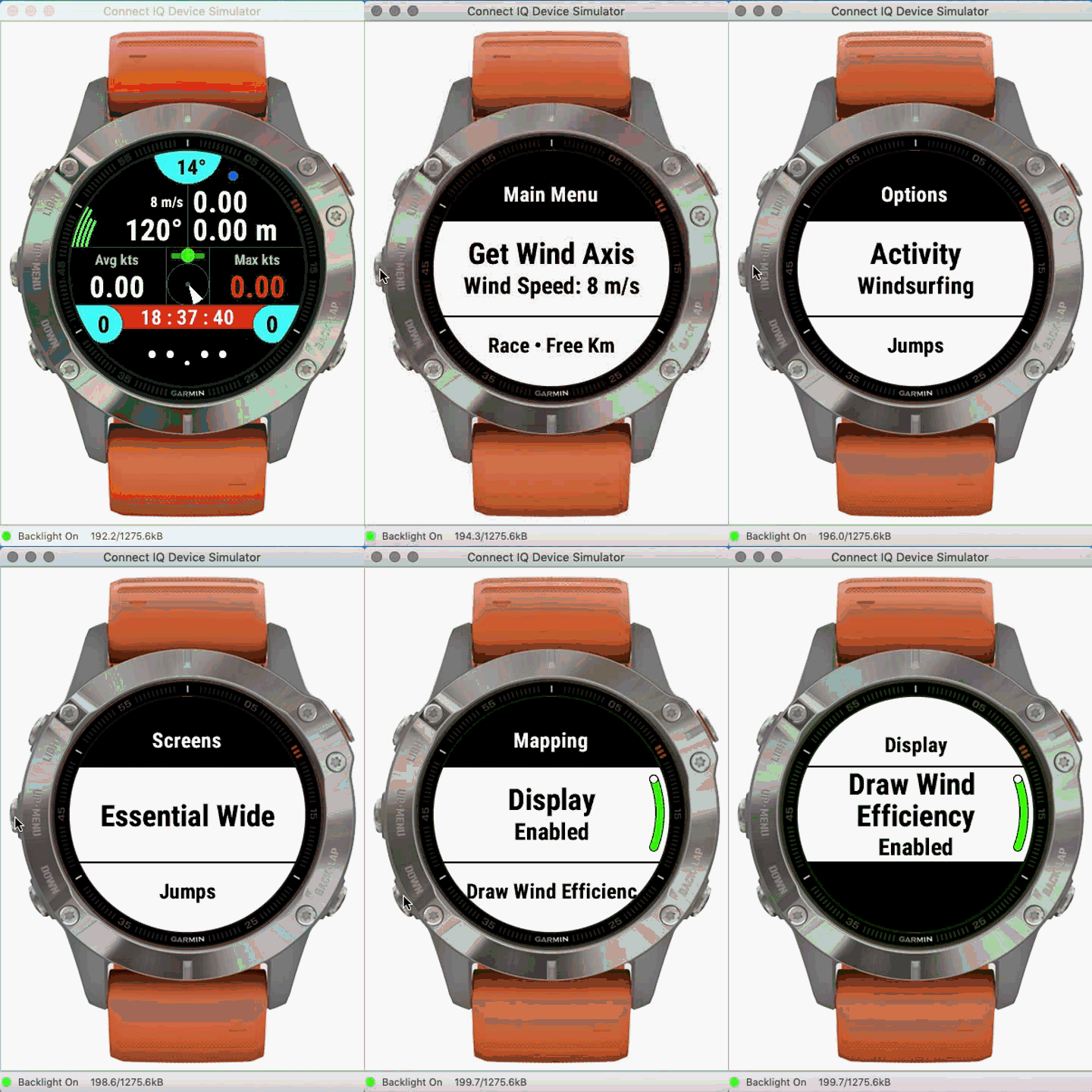
Setting up the wind axis + speed

Weather forecasts and surface suggestions
Popup screen following a jump
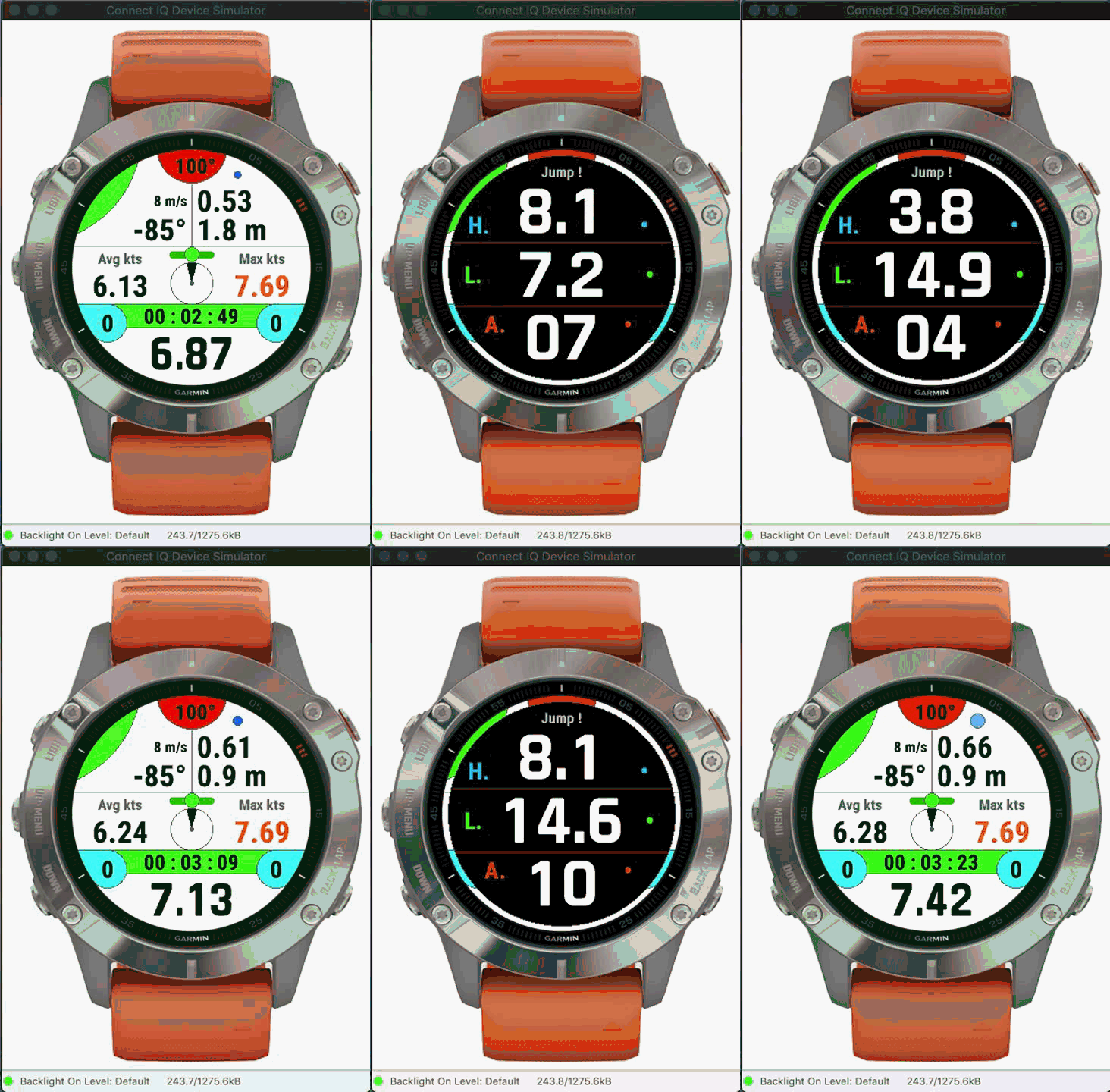
H. = jump height, in the selected unit (meters or feet)
L. = jump length, in the selected unit (meters or feet)
A. = airtime in seconds
Wind efficiency
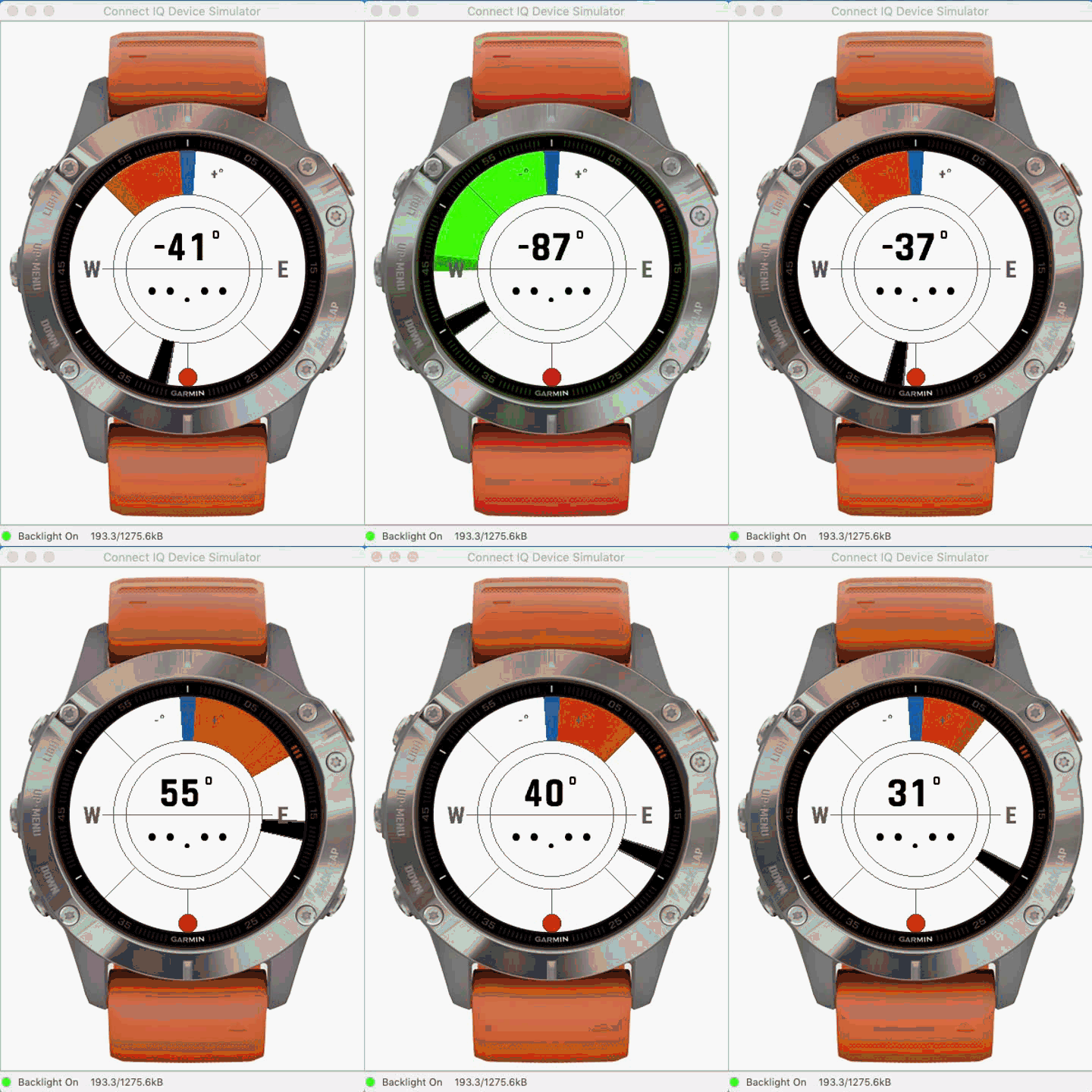
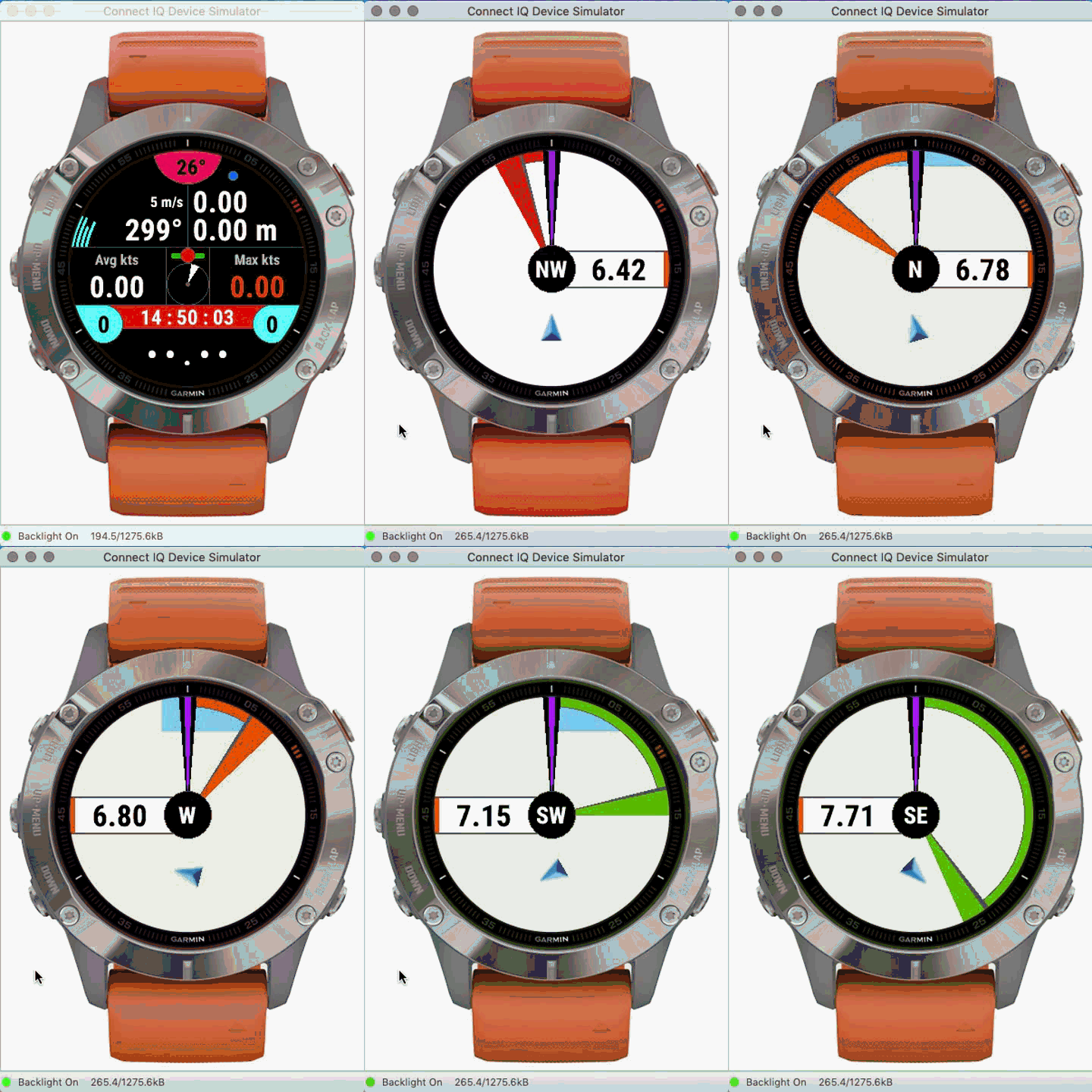
In this example, the wind axis is defined to 153°, materialized by the blue cursor, always oriented to the north of the watch regardless of the value of this axis.
Your course is indicated by the black cursor: when you sail west (course of 270°), you form an angle of -117° relative to the wind axis (right hand) therefore, the gauge becomes green and therefore covers an angle of 117°, you are good ! When your heading approaches the axis of the wind, the gauge changes from orange to red (facing the wind) to go back to the left hand (change of tack), until you find a heading which allows you to generate an angle located in the green zone, for example a course of 30° (NE); and so on.
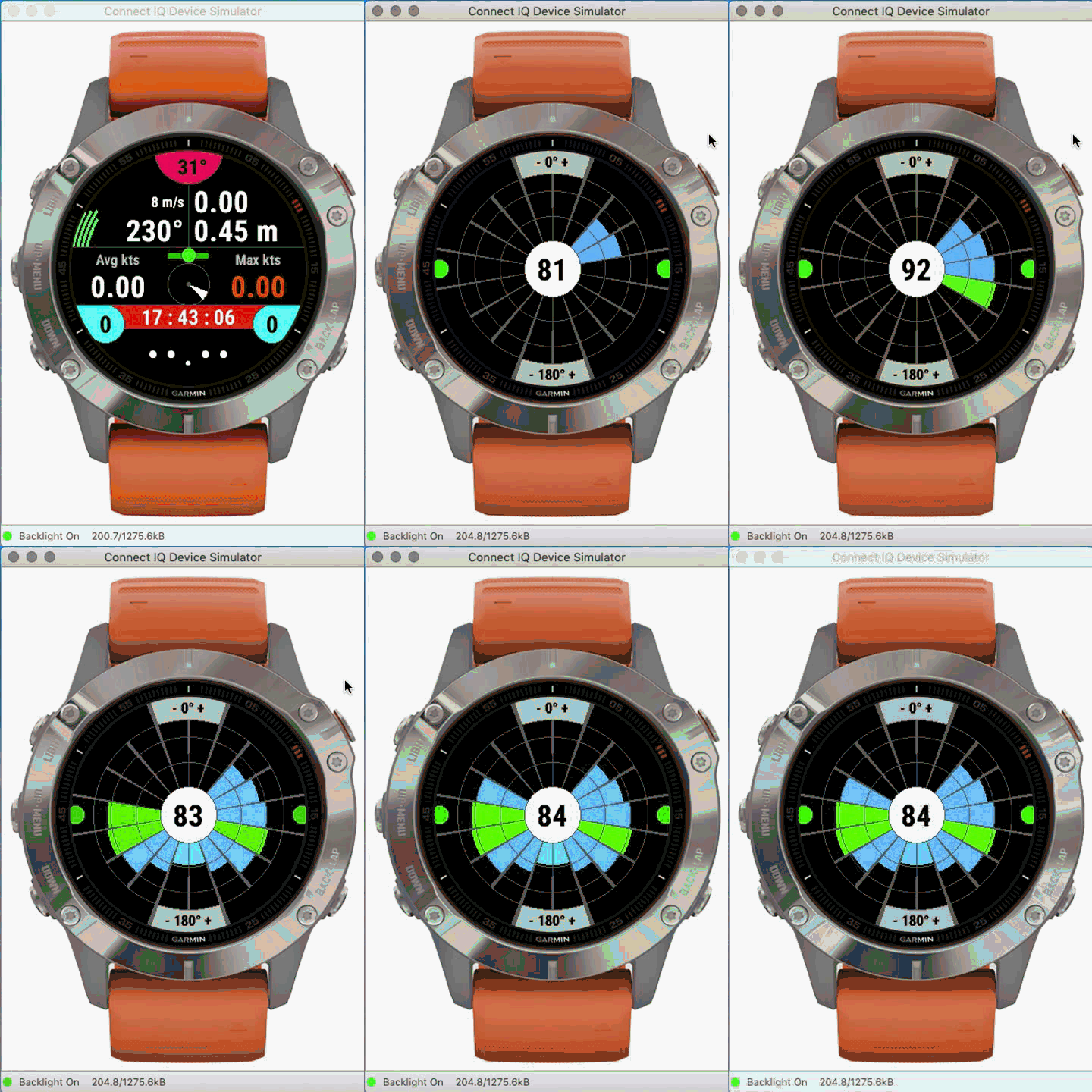
This screen shows you the efficiency score of your speed in each angle zone (ratio between your speed in each zone compared to your average speed per zone combined with the wind speed - if this data exists). The value displayed in the center of the screen is a global combination of all scores by angle area. The median score is at a value of 100, which means optimal overall speed efficiency.
In this example, the most efficient angles (those where your speed is most efficient) are between -80-120 ° right hand and 100-120 ° left hand; the angles between -140 / + - 180 / + 140 ° correspond to the passage of the jibe, which explains a lower speed.
See also the explanatory image below for further details on this screen (seventh screen).
Advanced mapping screen
Last screens of the end session screens
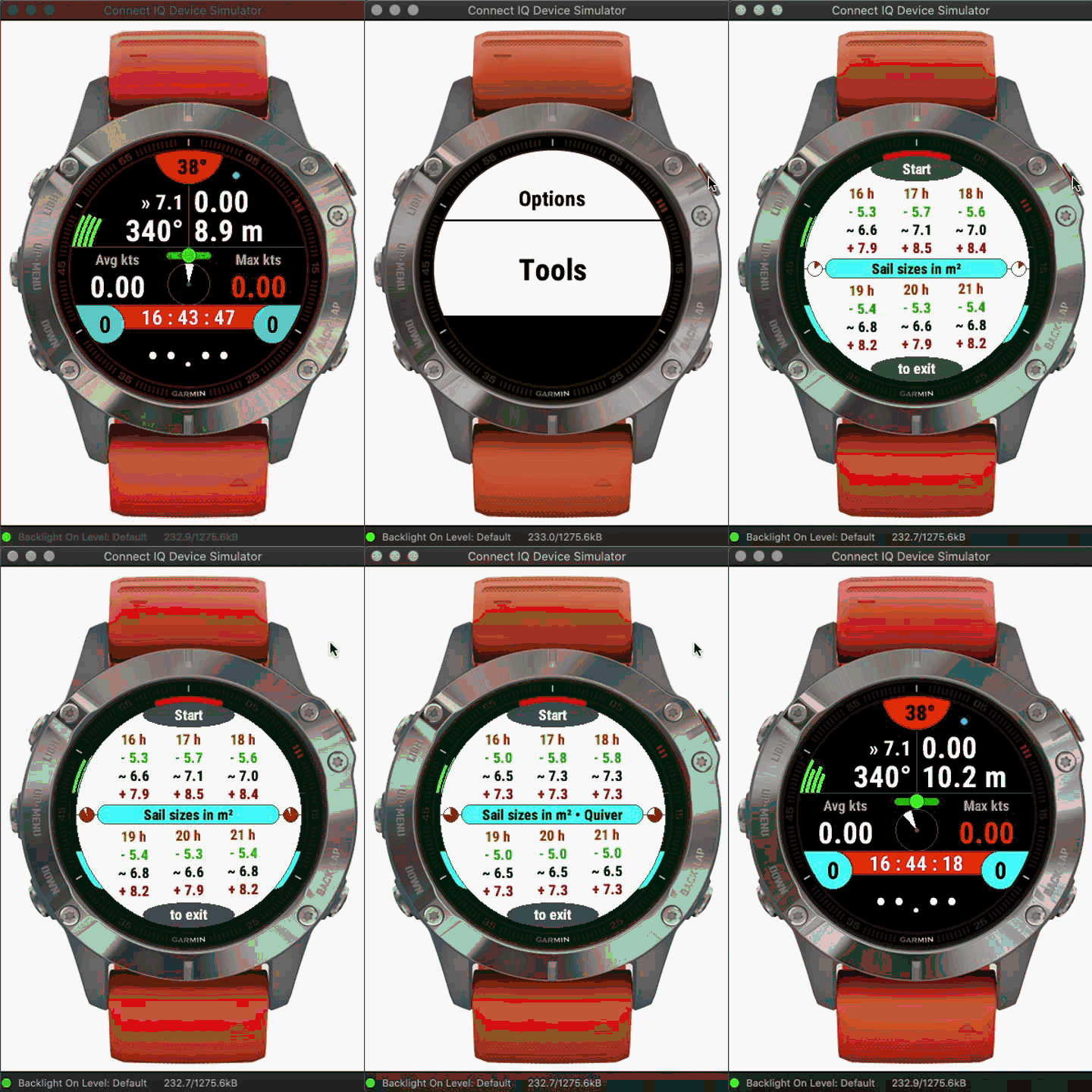
Second screen in action
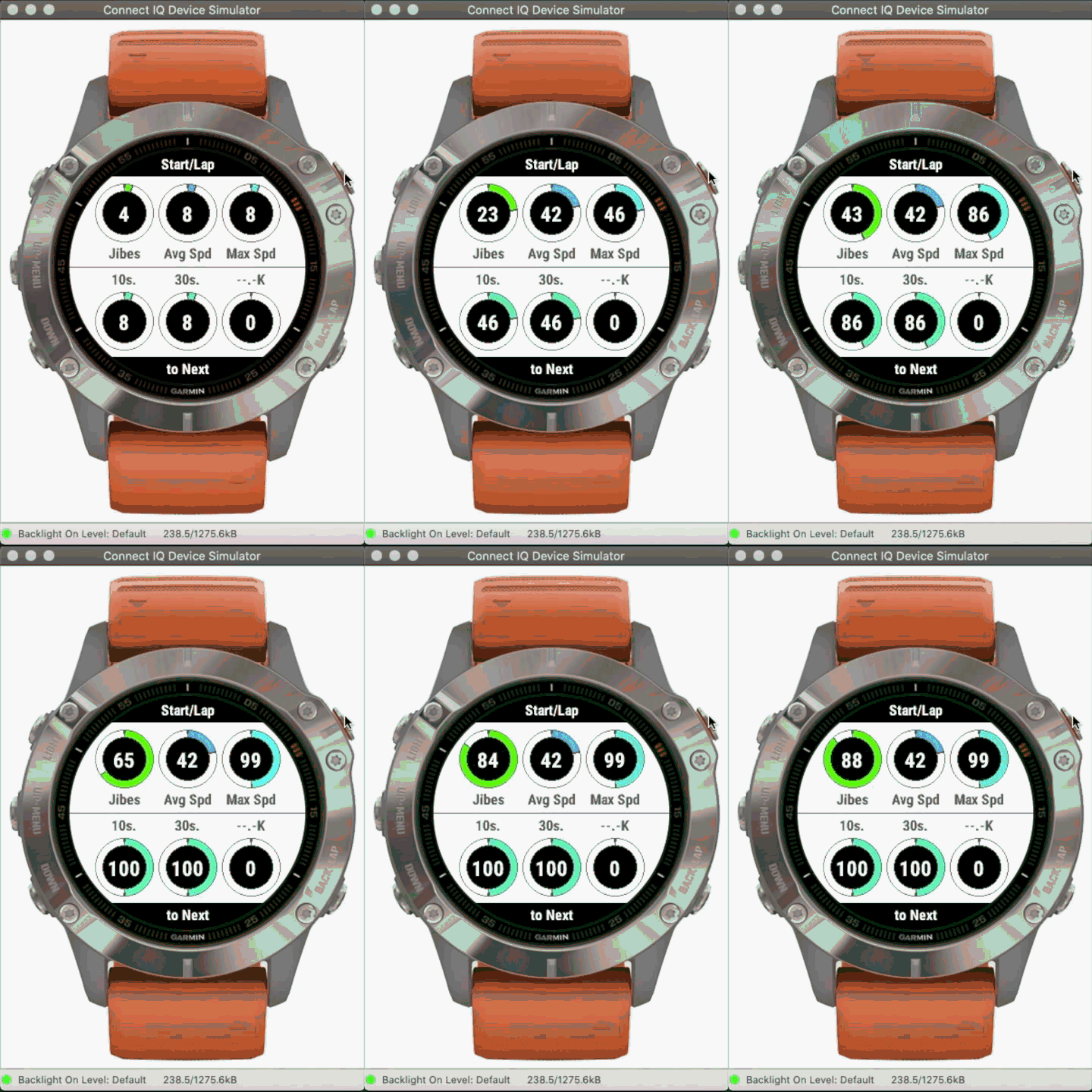
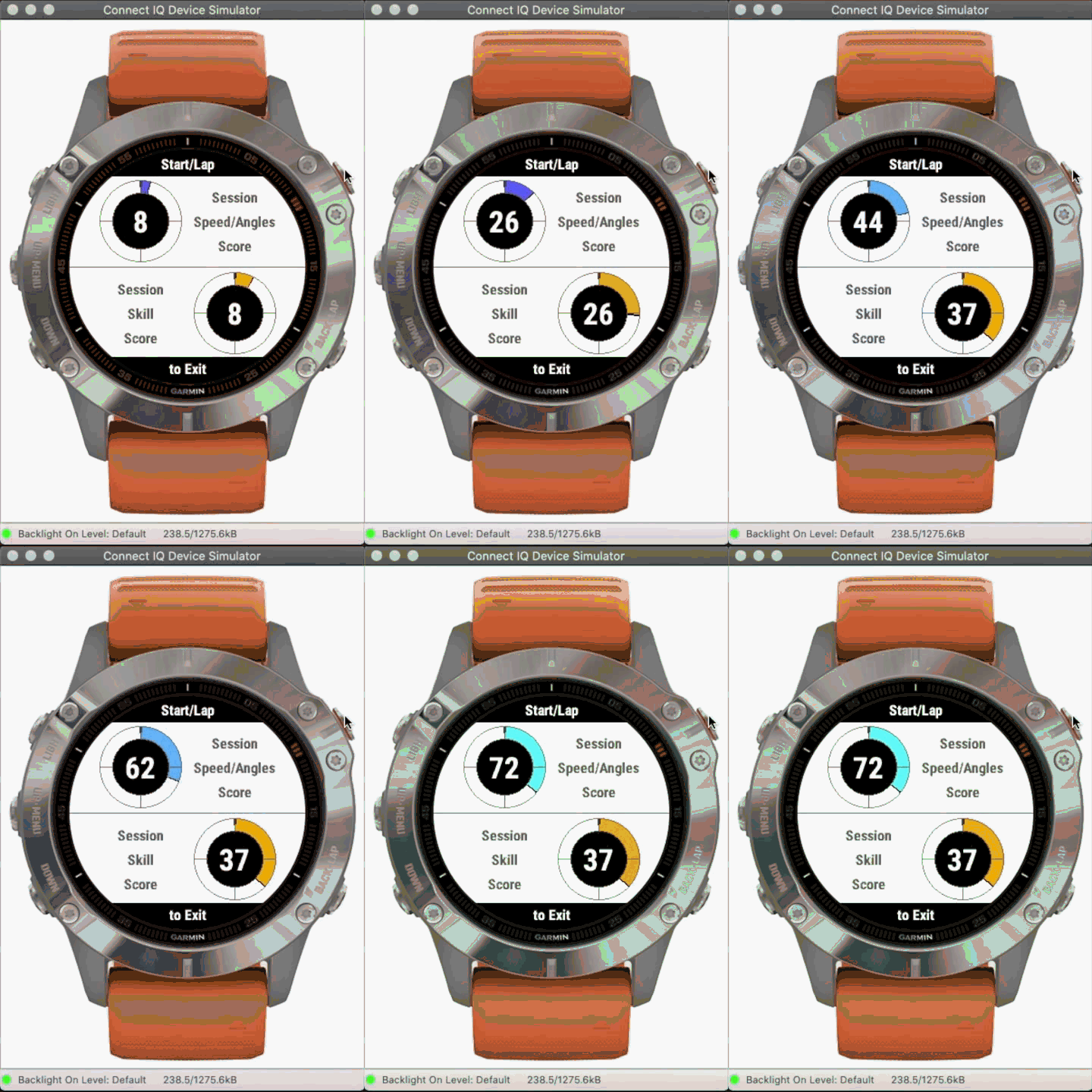
Third screen in action